
Blackboard
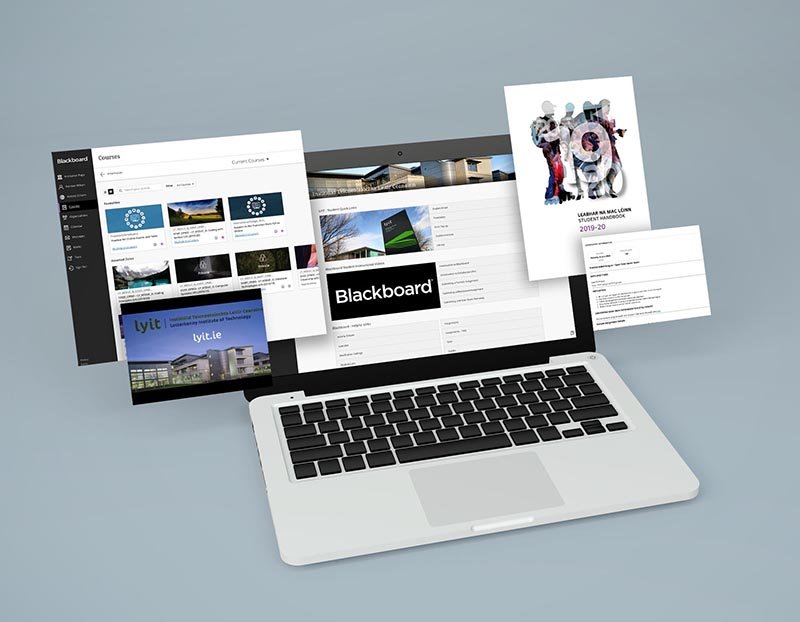
Navigating your Online Course
Blackboard is an integrated learning platform designed to create a single place online for instructors and students to interact, either for a completely online course or as a supplement to a face-to-face course. Blackboard provides students a location for accessing their online courses, including the syllabus, course calendars, lessons, materials, quizzes, exams, discussion boards, as well as a place for submitting assignments.
Accessing Your Online Course in Blackboard
The Online Campus is your online learning environment where you will access your learning content and engage in collaborative learning activities.To locate your online course(s) please click/type into browser window http://vle.lyit.ie/ or via the student hub here
- Use your LYIT username (ex: L00167235@student.lyit.ie) and password to login
- Click on the 'Courses' link at the top, right corner to view all of your classes
- Click on the actual course link that appears under 'My Courses'
- Begin exploring the content of your course by utilising the menu bar in the left side of your screen. Start by reviewing the syllabus and then continue by clicking on 'Getting Started/Start Here'
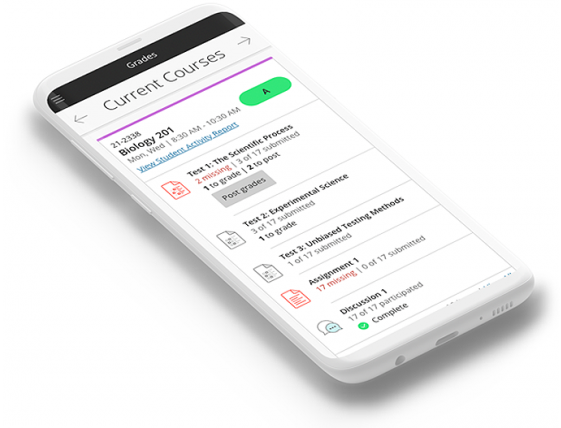
Blackboard Mobile
Install the Bb Student App on your smartphone (Apple, Google or Windows)! Save the Blackboard login URL in your bookmarks on your computer, tablet or smartphone. If you need to locate the Blackboard web site, you can always find it by going to the MDC Online Website. Additional resources are available at here when you login to Blackboard and navigate to Blackboard Mobile App - Helpful Links